

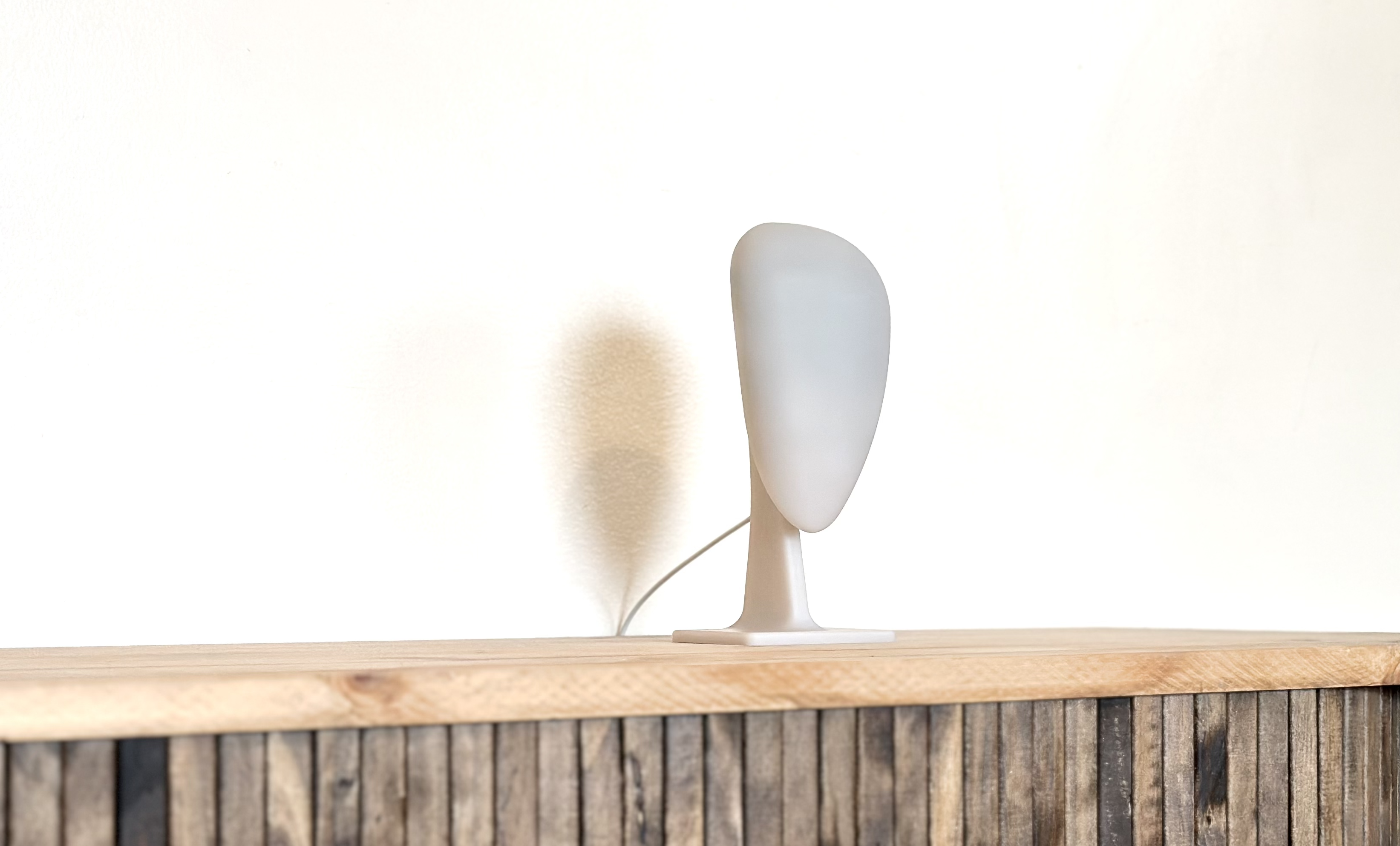
Download the Persys desktop application.
Mac
Download Persys for Mac (v2.1.0)
Connect to Wi-Fi
To access your Persys Console, you will need to log-in to its onboard WiFi hotspot. Look for a WiFi SSID “PERSYS-0000” where the “0000” is unique to your device. You can connect Persys to your local WiFi network after the next step (Log In).Log In to Desktop App
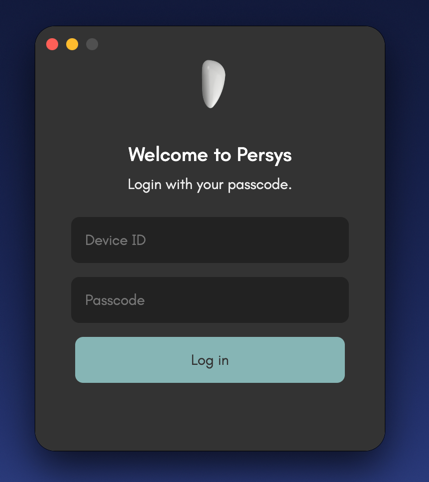
persys.
You can change this password at any time.
Depending on your network settings and whether you’re connected via device hotspot or local network, if you are not able to log in, add .local as the end of the device ID.